Icon themes for iPhone and iPad
DarkBoard and LightBoard are full icon themes for iPhone and iPad, sold on Havoc. Both have more than 2350 app icons and work from iOS 7 to iOS 27 with SnowBoard, Anemone or iThemer. DarkBoard draws the icons on dark backgrounds and LightBoard on light ones.
Editions
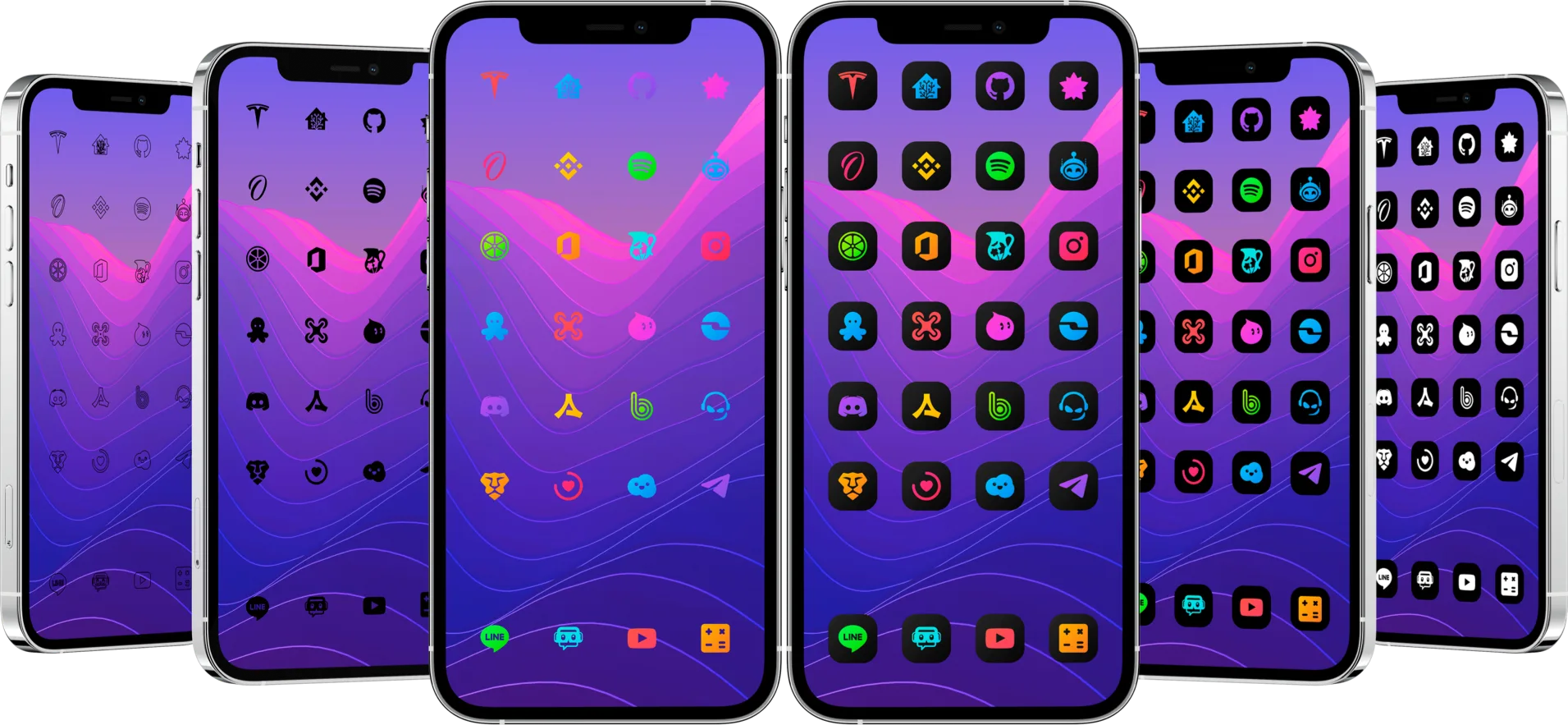
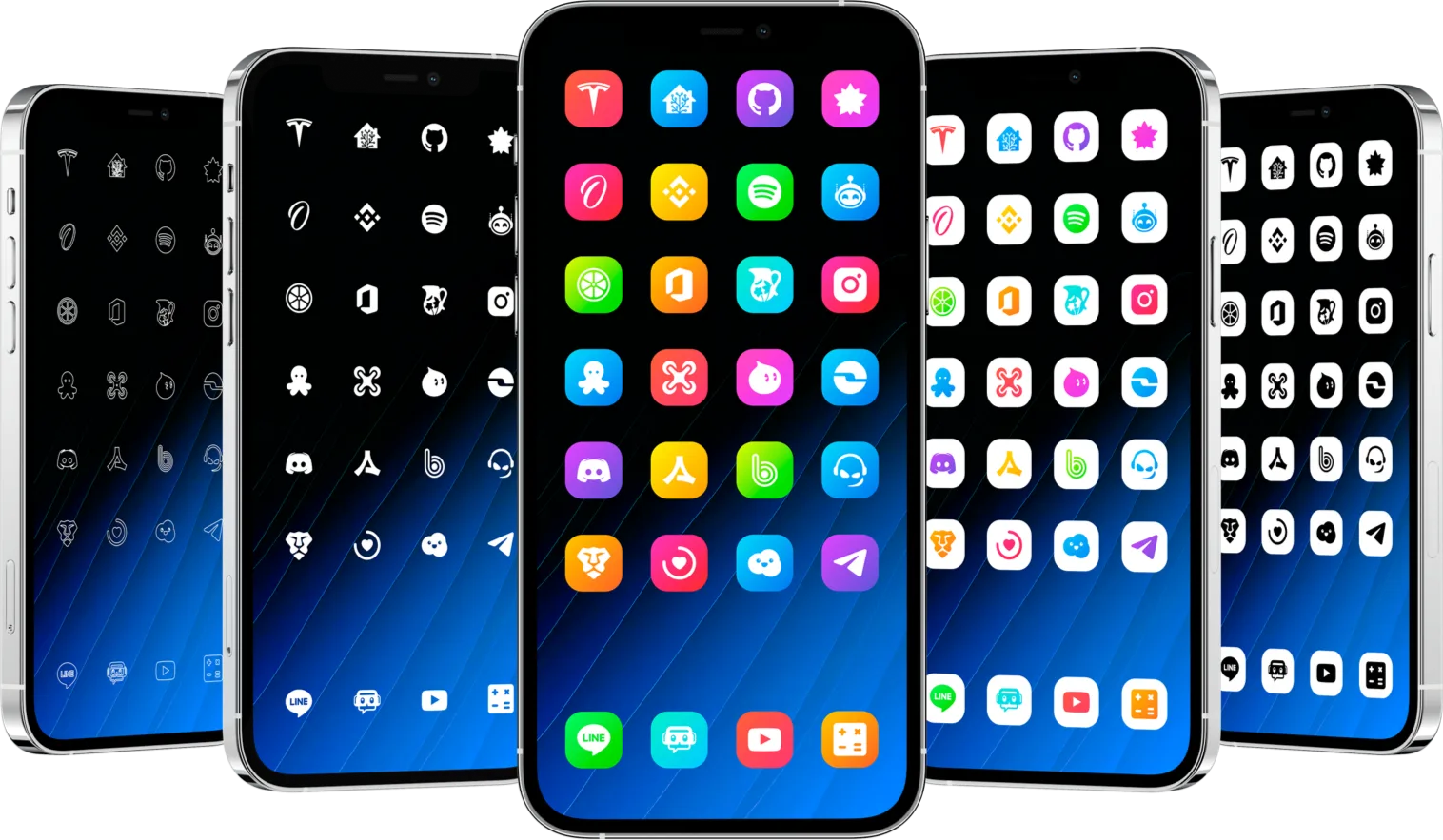
Compare the editions
| Edition | DarkBoard for iOS | LightBoard for iOS |
|---|---|---|
| Store | Havoc | Havoc |
| App icons | 2350+ | 2350+ |
| Styles | 6 | 5 |
| Also includes | 3 extension packages with 30 gradients, 20 interface settings, 11 badges, 11 boot logos, 10 animated respring logos | Extension package with 20 gradients, 20 interface settings, 11 badges, 11 boot logos, 10 animated respring logos |
| Works on | iOS 7 to iOS 27 with SnowBoard, Anemone or iThemer | iOS 7 to iOS 27 with SnowBoard, Anemone or iThemer |
| Wallpapers | iOS · iPadOS | iOS · iPadOS |
| Icon requests | Requests section of DarkBoard in the Settings app | Requests section of LightBoard in the Settings app |
Frequently asked questions
Which theme engines do the iOS themes work with?
SnowBoard, Anemone and iThemer, from iOS 7 to iOS 27. SnowBoard and Anemone run on jailbroken devices: check the requirements of the engine you use before buying.
What is the difference between DarkBoard and LightBoard on iOS?
DarkBoard has 6 dark styles and 3 extension packages with 30 gradients. LightBoard has 5 light styles and an extension package with 20 gradients. Both have more than 2350 icons, badges, boot logos and animated respring logos.
How do I know if a theme works with my iOS version?
Check your exact iOS version, the SnowBoard build for your setup and the package notes on Havoc. The SnowBoard compatibility guide on this site walks through the three checks.
| FixoLab
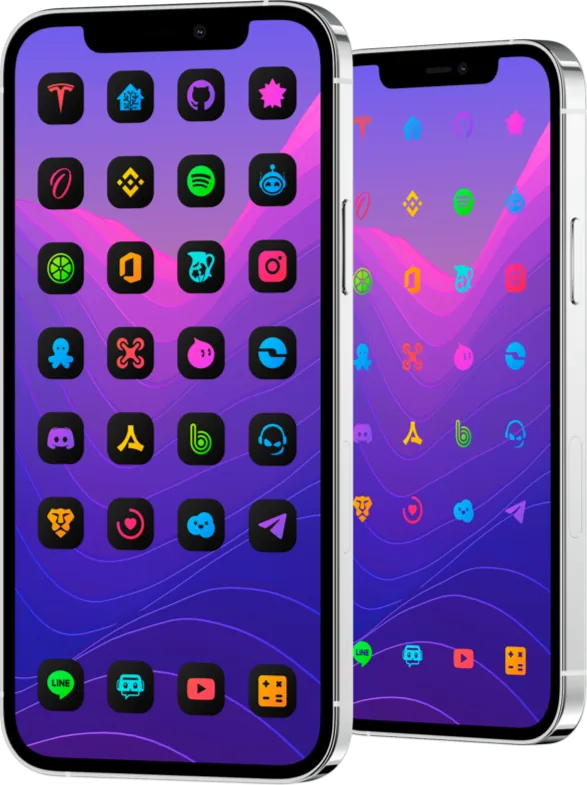
How to choose a DarkBoard icon style for iPhone
Compare the six DarkBoard styles for iOS, from Original Gradient to Dark White, and pick the one that stays readable on your wallpaper.
| FixoLab
How to check if a SnowBoard theme works on your iPhone
Check your iOS version, the theme package and the SnowBoard features you need before choosing DarkBoard, LightBoard or another icon theme.