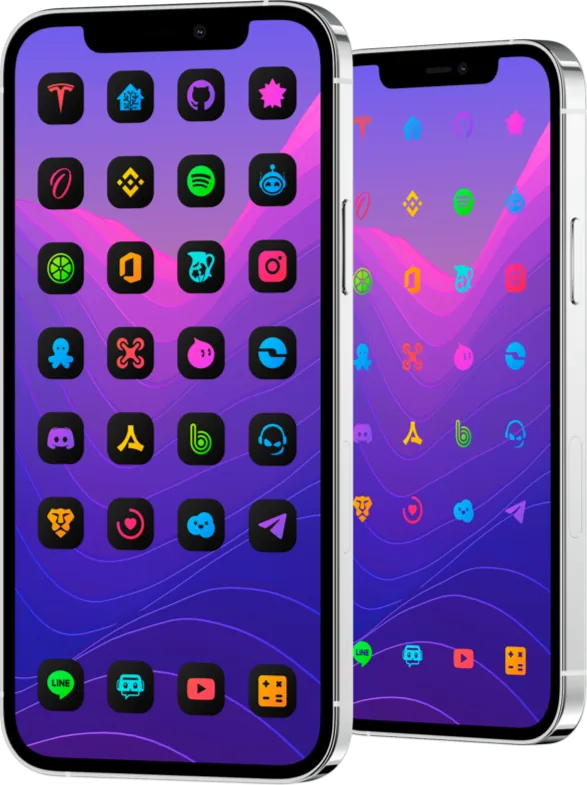
How to check if a SnowBoard theme works on your iPhone
SnowBoard is a theme engine for devices that already have a compatible jailbreak. To choose a theme, check three things together: your exact iOS version, the SnowBoard build available for your setup, and the theme package you want to use. Check app icons and optional interface effects separately.
Start with your iOS version
Open Settings → General → About and note the full iOS version, including the number after the decimal point. If you are searching for “SnowBoard iOS 18,” use the exact version shown on your phone when checking the theme and engine documentation.
If you already use SnowBoard, check its installed version in your package manager. If your setup uses rootless packages, check whether the store listing marks the theme as supporting rootless. The label describes the theme package and still leaves the iOS version and theme engine to verify.
Check the iOS edition and what it includes
Open the iOS product page and follow its Havoc link. The Android and Mac editions have their own distribution and setup. The Havoc Information section lists the package version and rootless support. DarkBoard for iOS · LightBoard for iOS
If the product page and the store describe different version ranges, check the package notes for the release you plan to use. When the notes leave your combination unclear, ask support and include your iOS version, SnowBoard version and package version before buying. DarkBoard on Havoc · LightBoard on Havoc
Check icons before optional effects
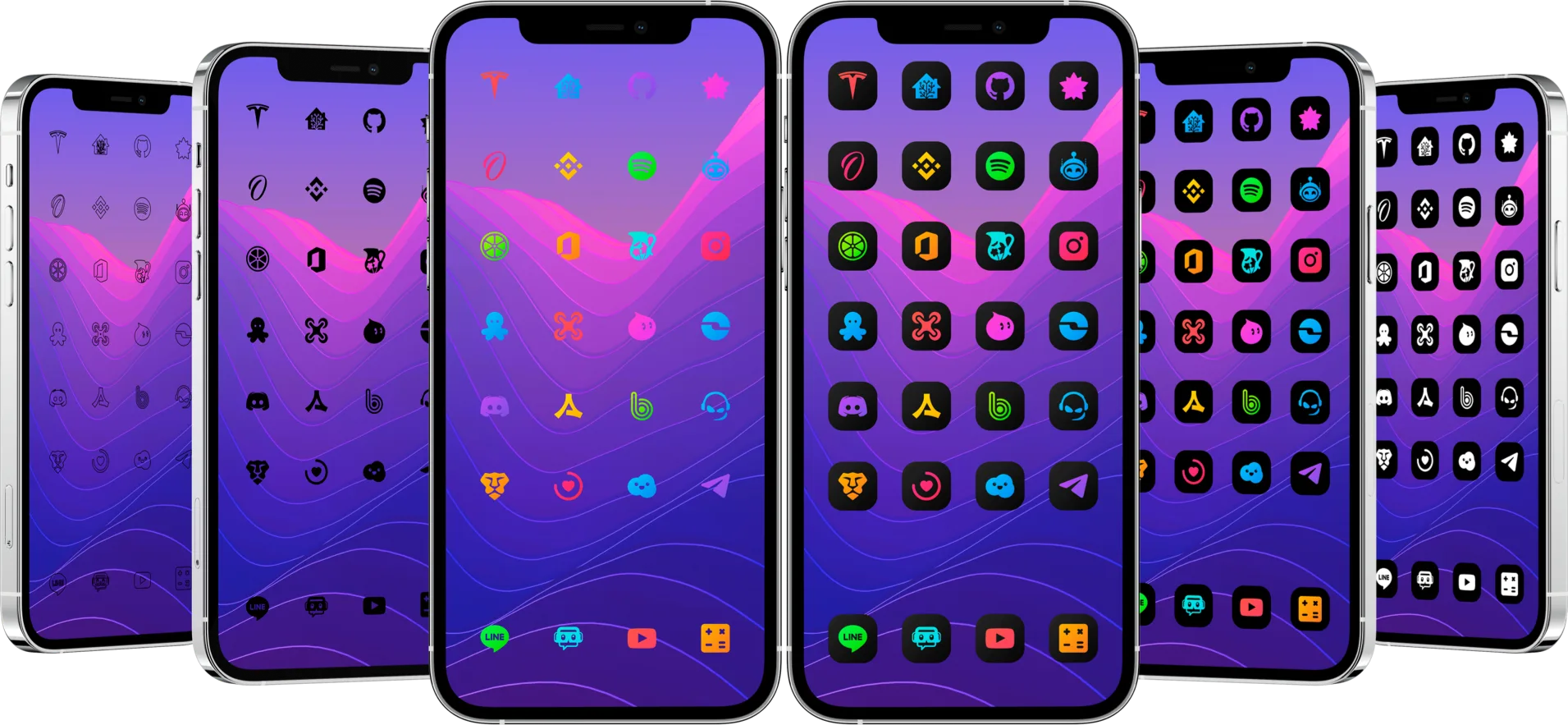
If you already own the theme, start with one style and look at a few apps you use every day. If most icons change and one keeps its original appearance, check whether that app is included in the theme. If none change, review which theme is selected and whether the package and engine match your setup.
Check items such as Settings icons, badges and interface graphics separately. The theme has to include the artwork for that element, and the engine may require a specific extension. A successful Home Screen icon change only confirms that the icon styling works on your configuration. SnowBoard UI Extension by SparkDev
If you use a standard iPhone setup
On supported versions of iOS you can change the system’s Home Screen appearance, or add a shortcut with an image of your choice. An image assigned in Shortcuts belongs to the shortcut you add to the Home Screen. Apple’s Home Screen guide · Apple’s Shortcuts guide